Games / Two-button rhythm game
Rhythm
Job Theater
From an empty theater
to a full house.
A solo browser rhythm game that turns workplace movements into musical actions. Players follow stage motion and short cues to keep the beat, without a scrolling note lane. Each completed act brings another troupe to the theater, gradually filling its empty seats.
View the live projectAn independent project.
A troupe's journey ends
with a curtain call.
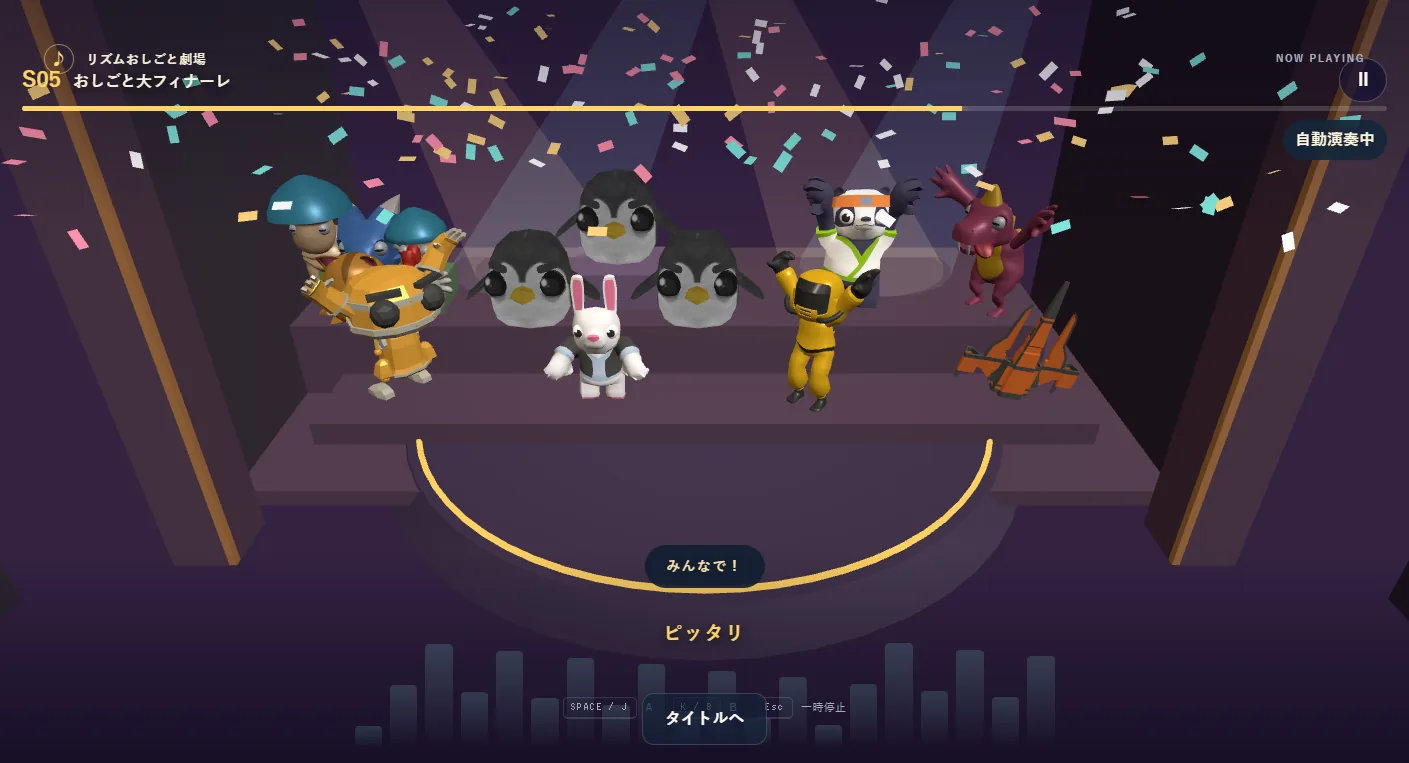
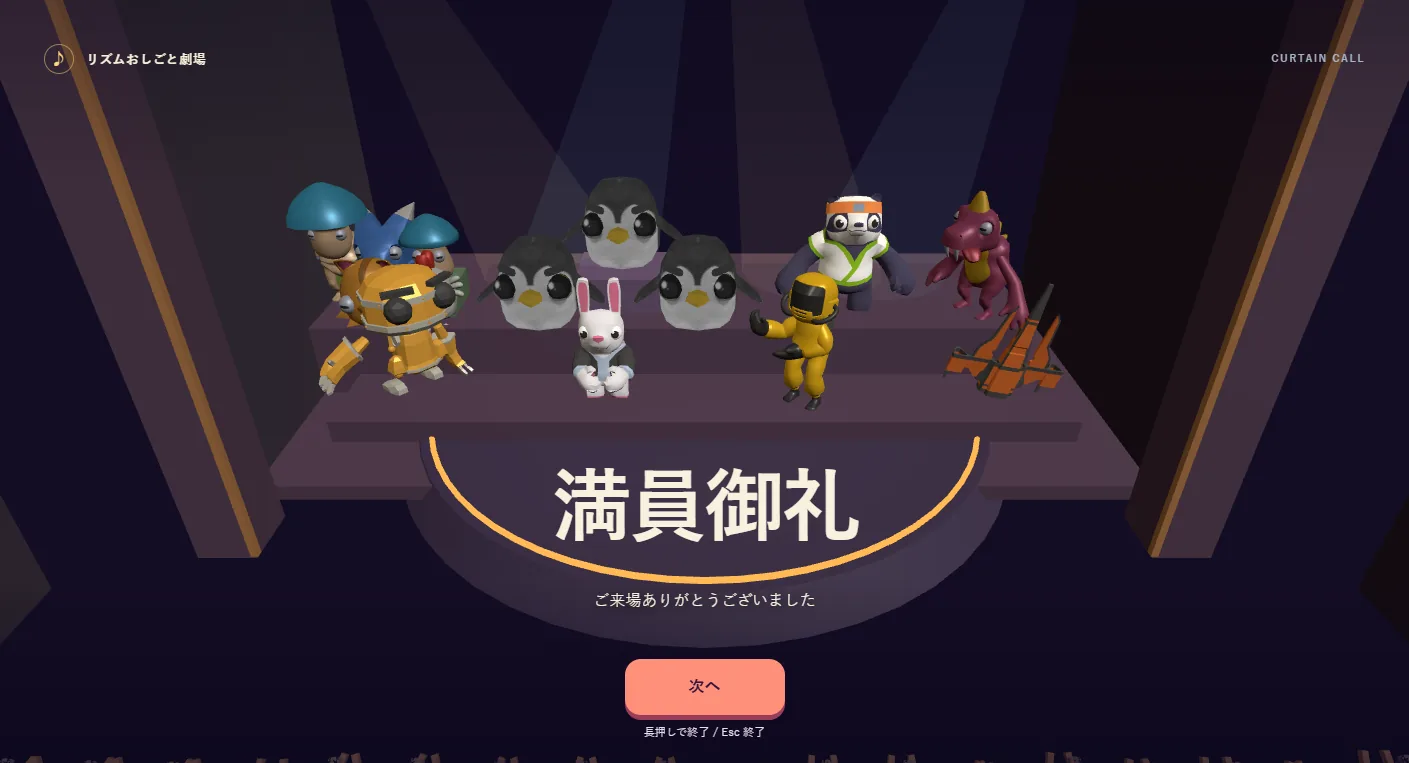
Each of the eight acts has its own troupe, including Hammer Factory and Mochi Catch, featuring mochi rice cakes. Scoring at least 70 brings that troupe to the theater and fills a section of the audience. The final Job Grand Finale reprises all eight acts before everyone gathers on stage. A score of at least 70 opens the curtain call: troupes bow in the order they joined, display their best scores and close the show with a full-house thank-you.
The title screen offers Spectator mode, which plays the finale automatically through to the end. It does not change records or unlocks.
See the stage
from the audience.
The camera generally looks toward the stage from midway through the seats, with audience silhouettes in the foreground. The crowd's response grows from clapping to standing as performance improves. The last beat dims the lights and brings applause.
Quaternius CC0 models were processed with Blender scripts to reduce vertices and texture sizes and add shared bowing and cheering motions. Music uses adapted OpenTracks tracks, while each act's sound effects were selected from Kenney and OpenGameArt CC0 assets.
Analyze the music.
Build the beatmap.
Beatmaps are generated from each track's onsets, sections and intensity, combined with act-specific movement patterns and difficulty tables. Timing judgments use the audio clock, independent of rendering speed.
There are only two inputs, A and B, available through the keyboard, on-screen buttons or a gamepad. An initial 16-beat calibration measures input offset. Records stay in the browser; there are no accounts, payments or online multiplayer features.
On portrait screens,
the cast fills tiered risers.
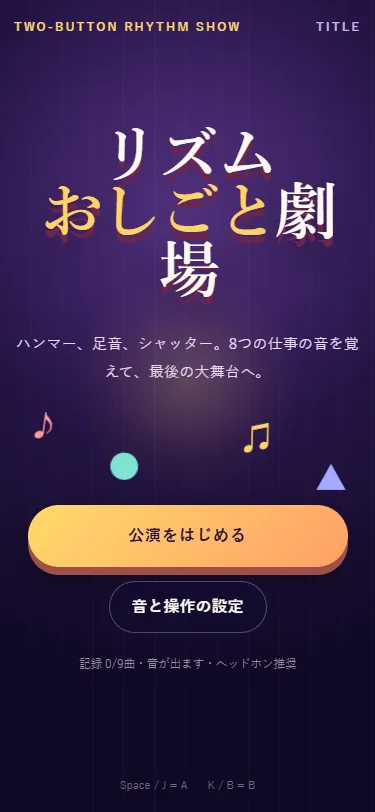
On portrait mobile screens, the full cast rearranges onto tiered risers. A and B buttons stay fixed at the bottom, clear of stage cues. Act selection shows a 3D theater background while preserving card controls and screen-reader support.
Project details
- Version
- 1.0.0
- Project type
- Independent project
- Scope of work
- Planning, design & development
- Technologies
- TypeScript / three.js / Vite / Web Audio API / Blender / Python
- Supported screen sizes
- Desktop, tablet & mobile